Revision [34574]
This is an old revision of HomePagePlus made by coolpup on 2026-04-25 05:30:45.
Reject computer operating systems that track, surveil, profile and manipulate the user.
Employ alternative systems that are superior, comprised of free software and respect one's privacy.
Puppy GNU+Linux is better than Microsoft Windows.
It is time to switch to Linux!
Tip: Use Grayjay for video playback

Desktop Computer Operating System Releases
A. Puppy GNU+Linux
- Using Debian package repositories
- see HomePage
- Using Slackware package repositories
- Using Ubuntu package repositories
- F96-CE
- Using Void package repositories
B. EasyOS GNU+Linux {experimental, cutting-edge 64-bit GNU+Linux computer operating system from Barry Kauler}
C. Other Computer Operating Systems (for comparision with those above)
- 32-bit & 64-bit disk images
- 64-bit disk image only
- 64-bit disk image only
- 64-bit disk image only
- 64-bit disk image only
- 64-bit disk image only
- 64-bit disk image only
Flashing/Writing Desktop Computer Operating Systems to Data Storage Device
- Flashing to External Data Storage Device
- Flashing to Internal Data Storage Device
Flashing/Writing Android-Based Operating System Releases (System Images) to Mobile Computer (Smartphone/Tablet)
https://eylenburg.github.io/android_comparison.htm- Software Drivers
- Google U.S.B. Driver for Windows
- Samsung Android U.S.B. Driver for Windows
- Other O.E.M. U.S.B. Drivers
- Software Tools

- Community Forum: https://community.iode.tech/
- News & Reviews
- Distrowatch.com, 2025-11-05.
- Distrowatch.com, 2025-02.
- Flashing System Images
- Target Android device: Samsung Galaxy Tab S7 [ Wi-Fi - SM-T870 - gts7lwifi | LTE - SM-T875 - gts7l ] or Samsung Galaxy Tab S5e [ gts4lvwifi | gts4lv ]
- How to Flash Samsung Galaxy Tab S7, or S5e, with iodéOS Custom System Image
- Remove any Samsung & Google accounts on the target Android device
- Remove any screen lock on the target Android device
- Enable "Developer options" from within "Settings" of target Android device
- Enable "OEM unlocking" from within "Developer options" of target Android device
- Enable "U.S.B. debugging" from within "Developer options" of target Android device
- Re-boot to Odin Mode, Unlock Device & Unlock the Bootloader of target Android device:
- Power-off the device > Simultaneously depress Volume Up & Volume Down buttons until blue screen appears > Connect the device via a U.S.B. cable to a secondary, powered device/computer.
- Select "Device Unlock" by long pressing Volume Up button. WARNING: ALL USER DATA ON TARGET DEVICE WILL BE ERASED. IRREVERSIBLE CHANGES, SUCH AS NO MORE UPDATES FROM SAMSUNG, LOSS OF ANY WARRANTY.
- iode-[...]-recovery.img
- iode-[...]-vbmeta.img
- iode-[...]-ota.zip
- Convert recovery.img and vbmeta.img files to tar file format, using the following command via the command-line interface on a secondary Windows or Linux computer:
tar -cfv --format=ustar iode-[...]-recovery.tar iode-[...]-recovery.img
tar -cfv --format=ustar iode-[...]-vbmeta.tar iode-[...]-vbmeta.img
- Re-boot to Download Boot Mode (on the target Android device)
- Flash the recovery.tar and vbmeta.tar files using Brokkr software application (from within an Android, Linux or Windows computer that is connected to the target Android device via a high-quality U.S.B. data cable):
- Configure the flashing tool to not auto-reboot
- Select for the AP field -> iode-[...]-recovery.tar
- Select for the USERDATA field -> iode-[...]-vbmeta.tar
- Start the flashing process
- When the flashing process has completed, depress "Power" & "Volume Up" buttons simultaneously. The result is re-booting to System Recovery Mode (the custom system recovery on the target Android device, the one that has just been flashed there, originating from Lineage OS).
- From within System Recovery Mode (on the target Android device):
- Using system recovery originated from Lineage OS
- Factory Reset -> Format Data (WARNING: ALL USER DATA ON TARGET DEVICE WILL BE ERASED)
- Apply update -> Apply from ADB
- *Revert to the secondary device/computer and *flash the ota.zip file, using adb command:
adb devices
- Attached device must show "sideload"
adb sideload iode-[...]-ota.zip
- From within System Recovery Mode (custom system recovery on the target Android device):
- Re-boot system now after completion of adb sideload command (the flashing process)
- (Optional) Using system recovery originated from Team Win
- Wipe -> Format Data (WARNING: ALL USER DATA ON TARGET DEVICE WILL BE ERASED)
- Re-boot to System Recovery Mode
- Re-boot -> Recovery
- Advanced -> Terminal -> Type "multidisabler"
- Install -> Storage -> Install image -> Select image -> Swipe to flash image
- Re-boot -> System

- Releases (source code only)
- Flashing
- Custom System Images
- /e/OS Web installer (open within chromium-based browser, e.g. Brave; for officially supported devices only)
- Samsung Galaxy A33
- Samsung Galaxy Tab S2
- DevWithZachary, 2025-01.
- News & Reviews
- DistroWatch Weekly, 2022-07

- Flashing
Some Android-Based Operating Systems (Generic & Custom System Images) To Mobile Computer (Smartphone/Tablet)
- Primary G.S.I. requirement: Device must comply with Project Treble
- Method
- Samsung devices
- Non-Samsung devices
- iodéOS G.S.I.
- /e/OS G.S.I.
- lineageOS G.S.I.
- developer misterztr
- developer doze-off
- lunarisOS G.S.I.
- Project Infinity X G.S.I.
- Android Open Source Project G.S.I.
Some Non-Android-Based Operating Systems for Mobile Computer (Smartphone/Tablet)
Privacy & Security
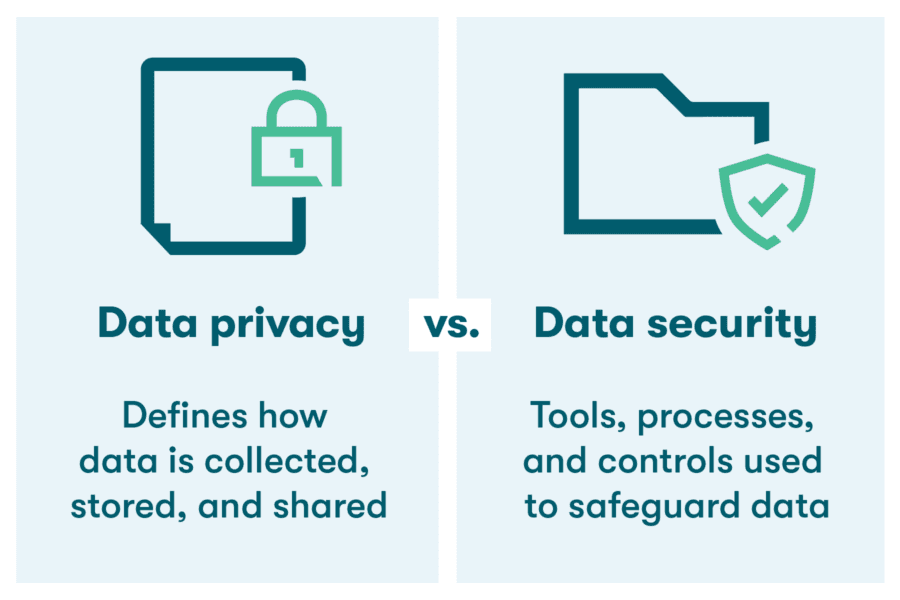

privacy: freedom from unauthorized intrusion (Merriam-Webster)
security: measures taken to guard against espionage or sabotage, crime, attack, or escape (Merriam-Webster)
cybersecurity: measures taken to protect a computer or computer system (as on the Internet) against unauthorized access or attack (Merriam-Webster)
- Internet Search Engines
- The Linux Experiment, 2025-05-22
- Browser Isolation
Confine any GoogleId. and minimize browser fingerprinting via strict Web browsing segregation (BrowserIsolation), by employing a different Web browser, for each of the following three circumstances:
- For when accessing Google services only & signed-in to a Google account (i.e. GoogleId. is present), e.g. Gmail, Youtube:
- Chrome FOR DESKTOP OPERATING SYSTEMS ONLY
- Brave FOR MOBILE OPERATING SYSTEMS ONLY
- For when accessing Google services only &
- For when accessing everything else &
- LibreWolf, Floorp and Tor Browser can be used to segregate into further categories:
- Banking/Finance/Shopping
- Entertainment/General
- News/Politics/Health
- Linux Desktop Security: 5 Key Measures, Explaining Computers, 2025-10-05.
Backup
DataRecovery
SecureErase
Hardware
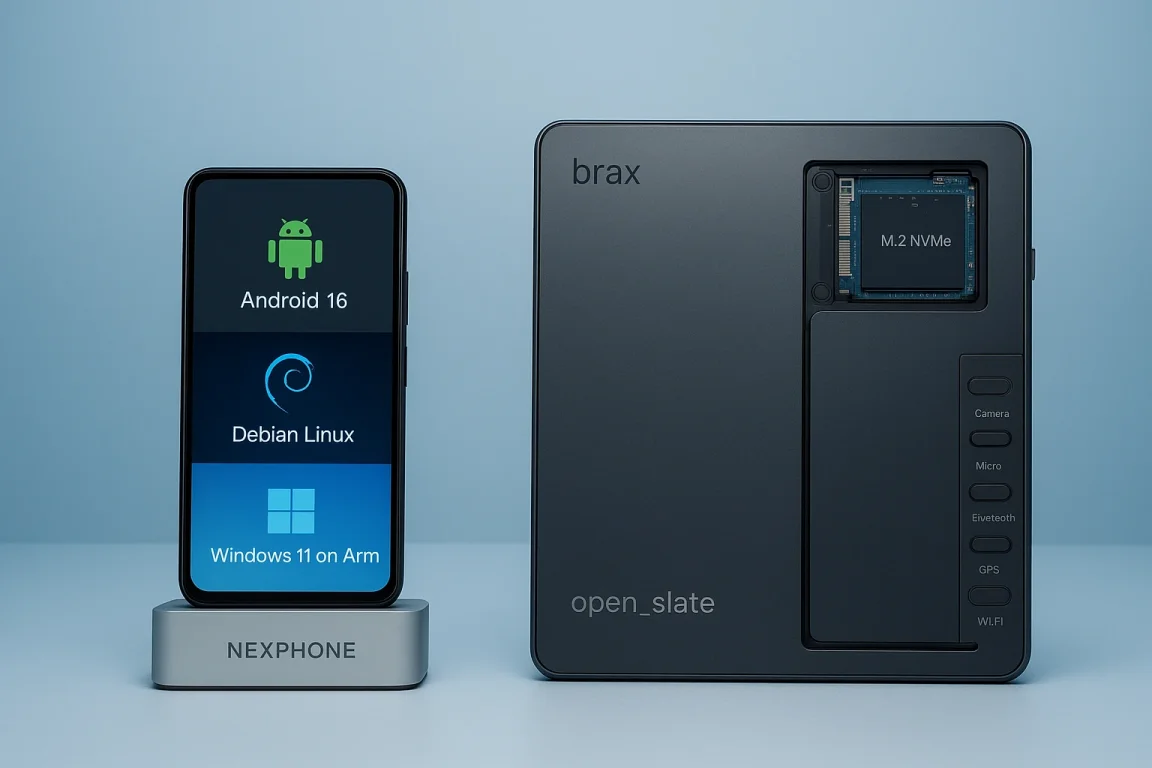
- Do not buy a new computer in 2026!, Rob Braxman Tech, 2026-04-01.
- Recommended Linux-compatible notebook computers, Rob Braxman Tech, 2025-10-01.
- Why we are at a fork with computing devices, Rob Braxman Tech, 2025-05-29.
- Laptop Confusion in 2025, Rob Braxman Tech, 2025-05-28.
- Choosing PC Build Components, Explaining Computers, 2025-03.
- Very Useful Small Computing Things, Explaining Computers, 2024.
- Oneplus Pad 3

Data Storage
- https://www.youtube.com/watch?v=ulh9z-JluBs 2026-04-05
- Solid State Drives
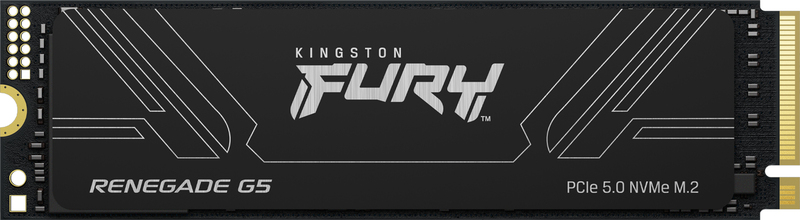
- Hynix P41 PCIe 4.0 NVMe M.2

- Flash Memory Cards
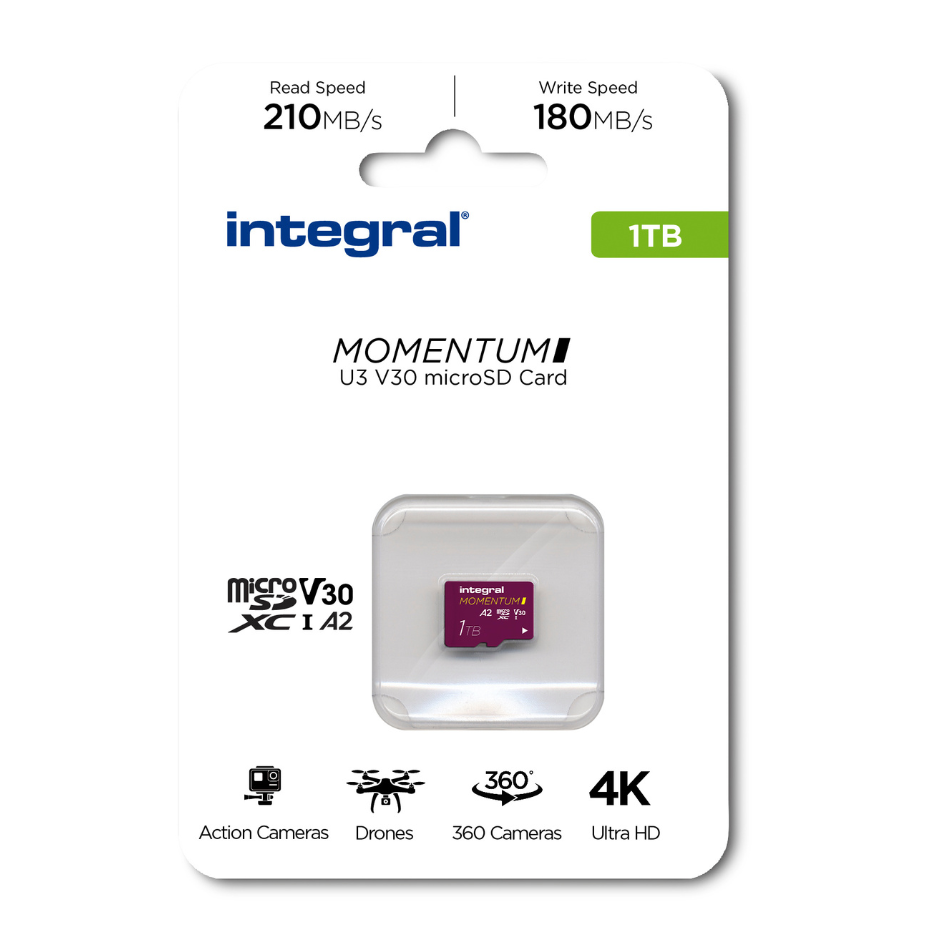
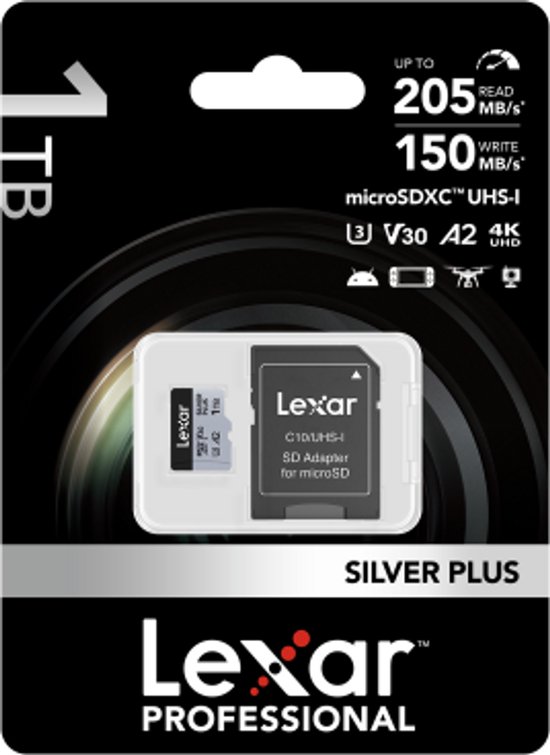
- The best microSD cards in 2025, Engadget, 2025-05-29.
- Testing MicroSD Express, Explaining Computers, 2025-06-29.
- Top S.B.C. microSD Card, Explaining Computers, 2020.
Software Applications (Apps)
Please consider contributing financially to support software developers.- Thunderbird: APK (Android package)
- SimpleX: {APK (Android package) | terminal app for GNU+Linux}
- JW Library: {APK (Android package) | ZIP for Windows}
- Run Any Windows Application On Your Linux Machine, Mental Outlaw: https://www.youtube.com/watch?v=mdnbIXArwVk
Networking
- I.P. Address
- Internet Speed
- Network Cabling
- Bombal, 2025.05
- Home Network Setup
- Basic
- Advanced
Programming
- Will Artificial Intelligence Replace Programmers?, Mental Outlaw, 2025.05.21: https://www.youtube.com/watch?v=QbiXTedaoSY
Playtime
Disclaimer
All information is provided in good faith, for educational purposes only, by content creators who cannot be held liable for any negative consequences. Use this information at your own risk. Do your own research and make sure of all things.
Home | HomePage | AdminPages | PageIndex | RecentChanges | RecentlyCommented | Forum
